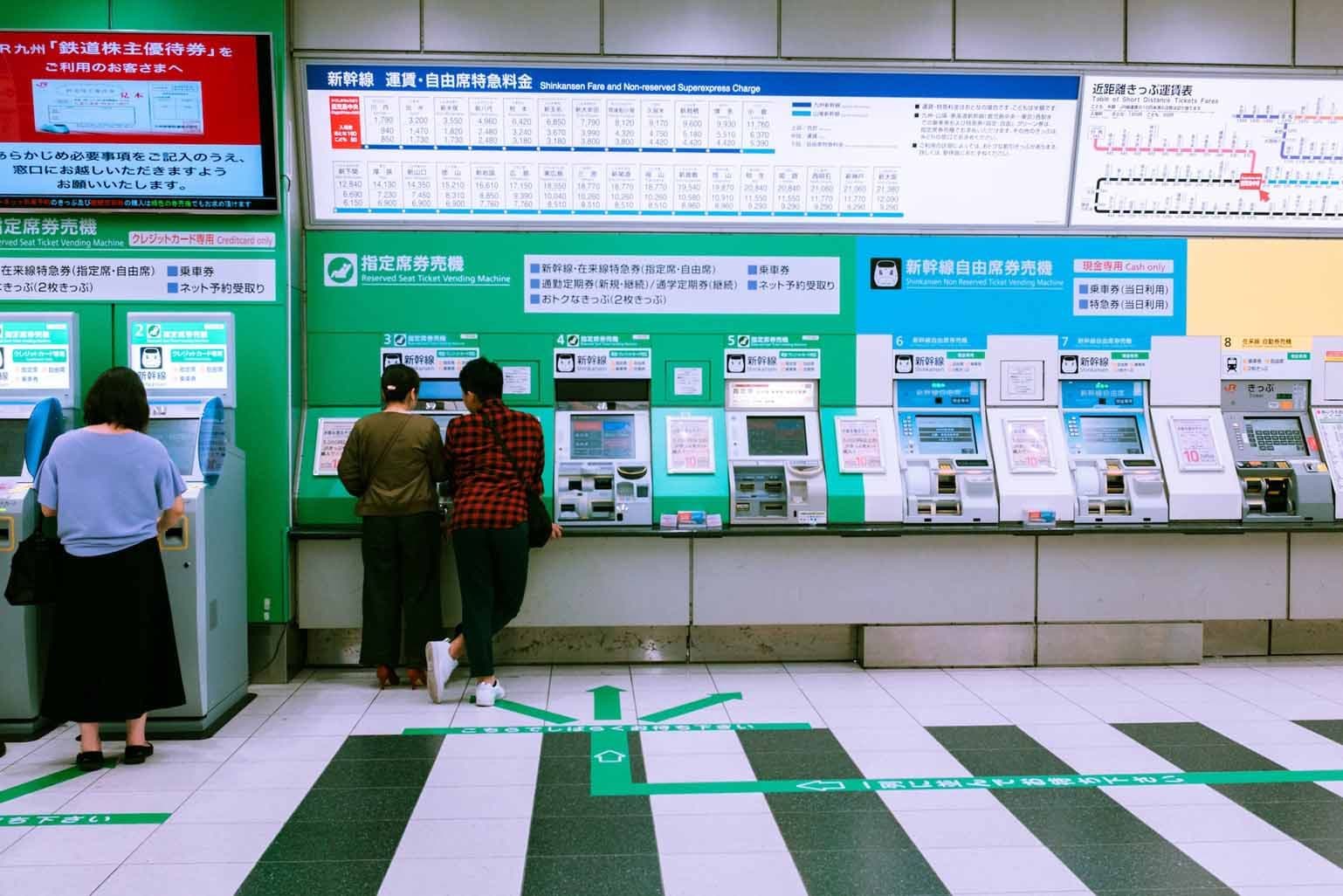
I've spent years watching people arrive in Japan with AI-generated itineraries that look great on paper. Then they hit the ground and find out the JR Pass doesn't cover their route, Nara is scheduled as a Tokyo day trip, and Fushimi Inari is on the agenda at noon on a Saturday in April.
Generic AI tools do not know Japan's rail topology. They don't know that mid-range in Japan means something very different from mid-range in Europe. They're working from averaged-out data, not from actually living here.
That's why Akari and I built this planner. We reviewed the recommendation logic, the routing, the budget tiers, the timing suggestions. The local knowledge in the output is ours. You get a structured, day-by-day itinerary that accounts for the things generic tools miss, and you get it in about five minutes.
Here's exactly how to use it.
The Five Steps to Using RJ’s AI Itinerary Planner
Step 1: Trip Basics

Enter your email first. The itinerary takes 4 to 5 minutes to generate. You'll get a link sent to you so you don't have to sit on the page waiting.
Then set:
- Trip duration: 3 to 14 days using the slider
- Season of travel: This adjusts recommendations for cherry blossom timing, summer conditions, autumn foliage, and winter. Add a specific start date if you have one.
- Budget level: Explorer (¥8,000–12,000/day, hostels and local eats), Comfort (¥15,000–25,000/day, mid-range hotels and mixed dining), or Premium (¥30,000+/day, luxury hotels and fine dining)
- Traveling as: Solo, couple, family, or group, plus total number of travelers
The budget tiers are calibrated against real Japanese pricing. A mid-range ryokan in Kyoto runs ¥15,000 to ¥25,000 per night. The planner uses the tier you pick to shape accommodation type and dining suggestions throughout the output.
Step 2: Your Destinations

Set your arrival city and departure city from Japan. Then choose a route:
- The Golden Route — Tokyo, Kyoto, Osaka. The classic first-time Japan trip.
- Off the Beaten Path — Kanazawa, Takayama, Shirakawago. Traditional Japan, fewer crowds.
- South & West Japan — Hiroshima, Fukuoka, Nagasaki. History, food, and island life.
- Northern Adventure — Nikko, Sendai, Sapporo. Mountains, snow, and wilder landscapes.
- Let the AI decide — The planner builds a route based on your interests and trip length.

Once you pick a route, adjust how many days you spend in each city. The counter tracks your allocation against your total trip length. It needs to balance before you can move on. You can also add extra cities using the "+" button.

If you want to go further, expand "Customize Your Japan Trip by City" to hand-pick from around 50 destinations across Honshu, Hokkaido, Kyushu, and Shikoku.
One thing to watch if you're customizing heavily: routing sequence matters. Nara is 45 minutes from Kyoto by JR, not a sensible Tokyo day trip. The preset routes handle this correctly. If you're building your own, keep geography in mind.
 AI Travel Planner
Planning a trip
to Japan?
Get a free personalised itinerary, up to 7-days, built around your dates, group and interests. Created by Kyoto locals with 30+ years in Japan.
Step 3: Flights & Origin

Choose your departure country and city. The planner uses this to suggest relevant flight options and factor travel direction into the route sequence.
Quick step. Takes about 30 seconds.
Step 4: Your Preferences

Choose up to 6 interests from these categories: Culture & History, Food & Drink, Experiences, Nature, Lifestyle, and Pop Culture. These weight the recommendations in your output toward what you're actually there for.

Then set your travel pace:
- Relaxed: 2 to 3 sights per day with time to breathe
- Full Day: 4 to 5 sights per day, a packed schedule
There's also a mobility-friendly option that prioritizes step-free routes, lifts, and accessible facilities. The planner notes where temples and rural areas have limited access.
Pick the pace that matches how you actually travel, not how you imagine you'll travel. Selecting Full Day and then finding the schedule exhausting by day three is one of the most common planning mistakes on Japan trips.
Step 5: Personal Touches — Don't Rush This One

Most people click straight through this step. It's the one worth slowing down on.
Tap any chips that apply to your trip: dietary needs, special occasion, traveling with kids, mobility needs, places to avoid, must-see places, accommodation style, pace preference. Each chip adds a label to the notes field. Then add your specifics in the text box.

The planner hint at the bottom says it plainly: the more detail you add, the more personalized your itinerary will be.
Here's what that looks like in practice:
"Special occasion: celebrating our 10th anniversary. Dietary needs: my partner is vegetarian. Must-see: Fushimi Inari at sunrise."
That three-line note changes the output. The planner will weight those details and adjust accordingly. Fushimi Inari is open 24 hours and free. Before 7am it's a completely different experience. The planner knows this. But it only builds it into your day if you flag it as a priority.
The same applies to avoiding crowds at specific sites, needing accommodation in a particular area, or having a non-negotiable on your list. Specific in, specific out.
When you're done, hit Generate My Japan Itinerary.
What the Planner Sends You
Your itinerary arrives by email in 4 to 5 minutes. You also get a shareable link to come back to at any time.
The output is a day-by-day breakdown covering recommended sites with timing, transport legs with rail notes, accommodation suggestions matched to your budget tier, and booking links for hotels and key experiences.
Booking.com search - hotels Japan (opens in new tab)
AI Travel PlannerPlanning a trip
to Japan?
Get a free personalised itinerary, up to 7-days, built around your dates, group and interests. Created by Kyoto locals with 30+ years in Japan.
Three Things to Verify Before You Book
The itinerary is a solid starting point. These are worth a manual check before you commit to anything:
JR Pass math
A 7-day JR Pass costs ¥50,000. For a standard Tokyo-Kyoto-Osaka trip without side trips, the break-even is tighter than most people expect. The planner accounts for this, but if you're on an unconventional route, run the numbers.
Seasonal timing
Golden Week (late April), Obon (August), and the New Year period all mean higher accommodation prices and fuller sites. Book accommodation before you finalize the day order, not after. Check out our article the best time of year to visit Japan.
Kyoto access restrictions
The city has introduced photography bans in parts of Gion and access restrictions at some sites. Current conditions shift. Worth checking before you travel.
FAQs
Is the Romancing Japan AI Itinerary Planner free to use?
Yes. Your first 7-day itinerary is free with no account required. Generation takes 4 to 5 minutes and the itinerary is emailed directly to you. Paid tiers are available if you want to generate multiple itineraries or access additional planning features.
How accurate is an AI-generated Japan itinerary?
The Romancing Japan planner is built around Japan-specific logic: rail routing, JR Pass calculations, budget tiers calibrated to actual Japanese prices, and crowd timing recommendations from locals based in Kyoto. Generic AI tools often get these details wrong. Any itinerary should still be verified against live transport schedules and current site conditions before you book.
How many days should I plan for a first trip to Japan?
Seven days covers Tokyo, Kyoto, and Osaka at a reasonable pace, with one or two day trips. Fourteen days allows more depth and opens up cities like Hiroshima, Kanazawa, or Nara without feeling rushed. The planner handles trip lengths from 3 to 14 days and adjusts city allocation accordingly.
What information do I need before using a Japan itinerary planner?
Your trip length, the cities you want to visit, your travel dates or season, your daily budget, and your travel pace. The more specific your inputs, particularly any dietary needs, must-see sites, or special occasions, the more tailored your output will be. Vague inputs produce generic itineraries regardless of which tool you use.
Loading Comments...